MAX 4 Live · Audio QA Utilities

Precision tools for
sound quality control
in Ableton Live.

Seven professional MAX 4 Live plugins for sound designers, music researchers, and sample library creators. Every parameter calibrated to preflight QA standards — silence onset, peak protection, loudness, duration, spectrum, and WAV export.

MAX 4 Live Ableton 11 / 12 44.1 kHz · 24-bit Push 3 Standalone EU VAT incl. .amxd · no dependencies
7
M4L utilities
0 ms
passthrough latency
44.1k
24-bit native

Complete Pack

DoReMiFo QA Pack — all 7 plugins
Best value · all 7 plugins

DoReMiFo QA Pack

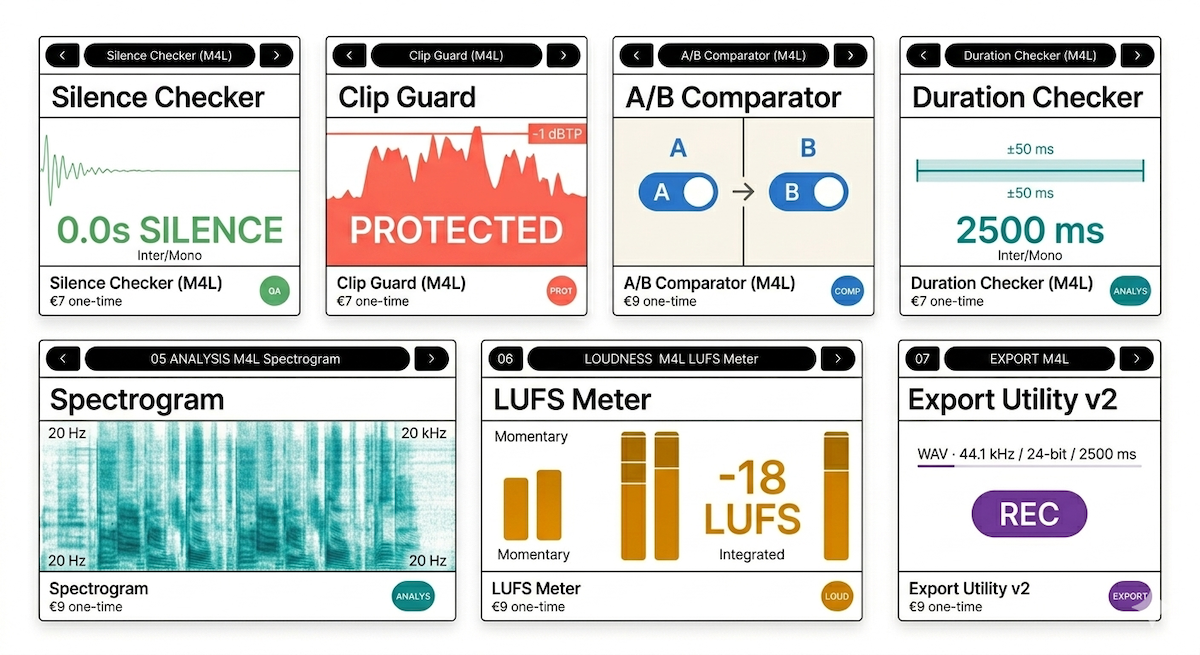
A complete preflight QA suite for Ableton Live. Silence detection, peak monitoring, A/B comparison, duration verification, spectral inspection, loudness monitoring, and batch WAV export. One install, every stage covered.

Silence Checker Peak Guard A/B Comparator Duration Checker Spectrum Analyzer LUFS Meter Export Utility v2
€56
35
save 37%
incl. VAT · instant download
Buy the pack

Individual plugins

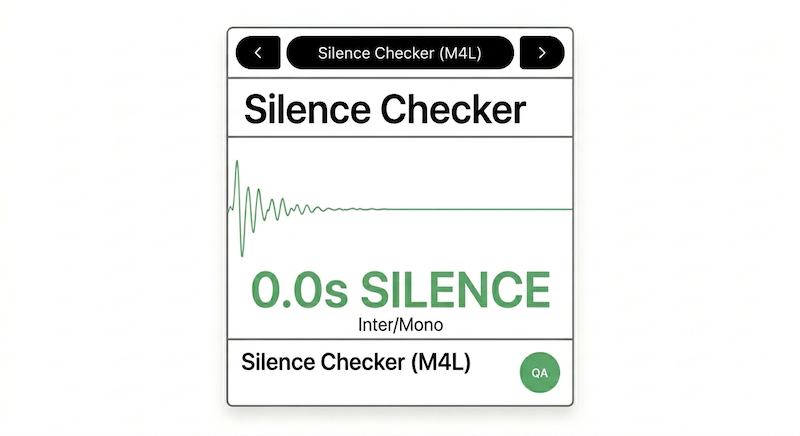
Silence Checker
01QAM4L

Silence Checker

Leading silence · threshold crossing · ±10 ms

Checks whether your audio starts within a defined silence window. Designed for researchers and sound designers who need to verify that exported clips start at exactly the right moment.

Problem it solves

When bouncing or exporting clips, leading silence of even a few milliseconds can shift stimulus timing in controlled experiments or sample libraries. Manual waveform inspection is slow and inconsistent across many files.

Preflight QA ±10 ms precision Display resolution 1 ms · 10 ms poll interval
What this is not A transient detector. Silence Checker detects a configurable amplitude threshold crossing — not the perceptual onset of a sound. For semantic onset analysis, use dedicated offline tools.
  • Onset threshold: −60 dBFS default · configurable
  • Tolerance: 5 ms default · configurable
  • Auto-freeze on first above-threshold sample
  • Stereo passthrough · zero latency · Push 3 ready
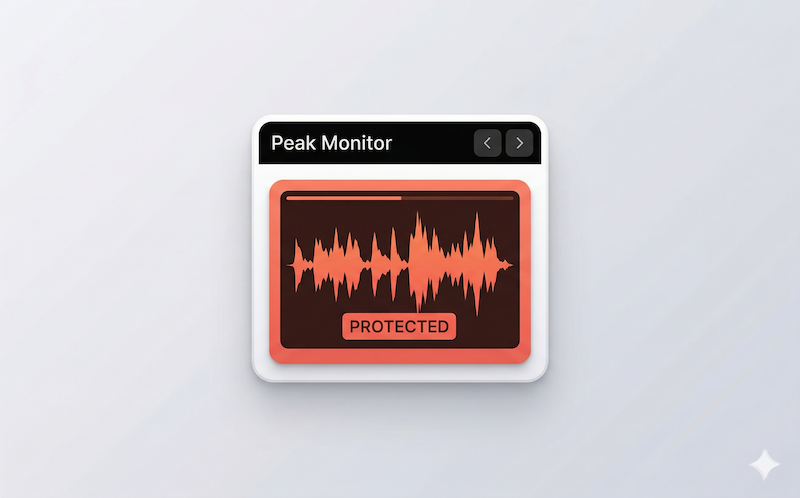
Peak Guard
02ProtectionM4L

Peak Guard

Sample peak monitor · 50 ms poll · global hold max

Monitors sample peak levels and holds the worst-case maximum since last reset. Designed for sound designers and sample library creators who need to catch headroom issues before committing to a render.

Problem it solves

Clipping during export is destructive and irreversible. Ableton's built-in meters do not hold peak maximums for post-session review. Peak Guard gives you a dedicated peak hold display for headroom verification before bounce.

Preflight QA 50 ms poll Sample-domain peaks · not oversampled true-peak
What this is not A limiter or a certified true-peak meter. Peak Guard does not modify the signal. It captures peak estimates at 50 ms intervals — transients shorter than 50 ms may be missed. Not suitable for broadcast compliance sign-off.
  • Peak L + Peak R · independent channel display
  • Hold Peak: global max(L, R) since RESET
  • Ceiling reference: −1 dBFS · configurable
  • Stereo passthrough · Push 3 ready
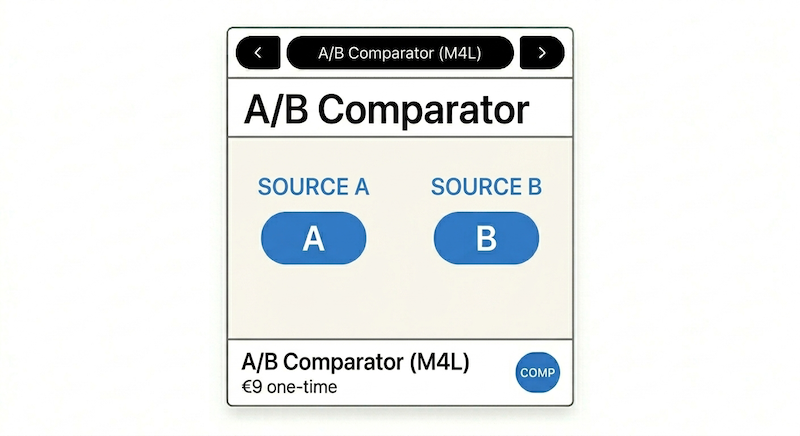
A/B Comparator
03ComparisonM4L

A/B Comparator

Sequential playback · 100 ms gap · unity gain

Auditions two audio variants back-to-back without switching tracks. Designed for sound designers and researchers who need fast, focused comparison of stimulus variants.

Problem it solves

Comparing two clips in Ableton requires track switching, re-arming, and context changes that disrupt listening focus. A/B Comparator plays two selected files sequentially in one click — no track management needed.

Listening aid 100 ms gap Unity gain · immediate retrigger · sfplay~
What this is not A blind test environment. A/B Comparator does not randomise assignment, log responses, or normalise levels. Both sources play at unity gain — pre-normalise files if loudness matching is required.
  • CELL 01–10 × VAR 01–10 dropdown per source
  • Play A / Play B / A→B sequence / Stop
  • Immediate retrigger · no crossfade
  • Stereo sfplay~ · Push 3 ready
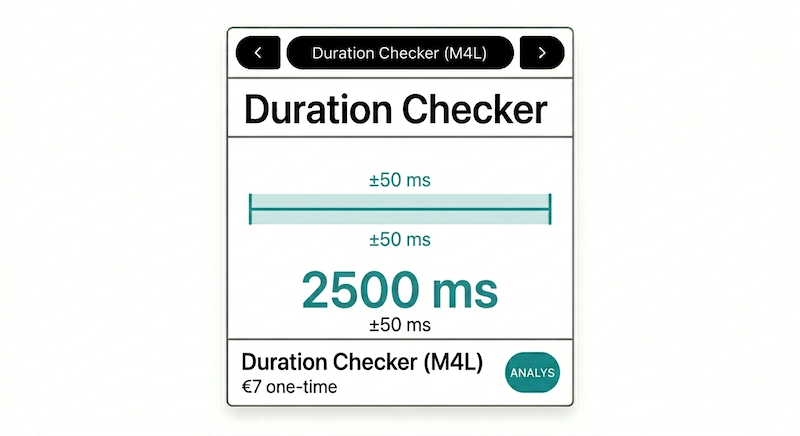
Duration Checker
04QAM4L

Duration Checker

Clip length · threshold-based · ±ms deviation

Checks whether a rendered clip falls within a defined length window. Designed for researchers and sample library creators who need every exported file to hit a precise duration target.

Problem it solves

Recording methods do not always stop at exactly the intended length. Fade tails, noise floors, and transport timing introduce variation. Duration Checker measures from detected onset to confirmed end of signal and flags deviation from a configurable target.

Preflight QA ±1–2 ms precision Reported duration includes 50 ms silence confirmation window
What this is not A sample-accurate trimmer. Duration Checker measures and reports deviation — it does not edit or crop audio. Reverb tails above the end threshold will extend the measured duration; calibrate the threshold above your noise floor.
  • Target: 2500 ms default · configurable
  • Threshold: −60 dBFS default · configurable
  • Deviation display: signed ms from target
  • 1 ms counter · auto start/stop · Push 3 ready
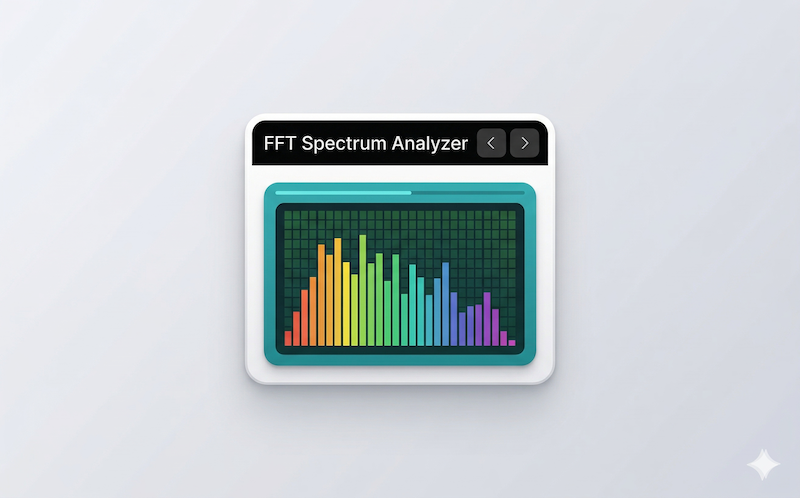
Spectrum Analyzer
05AnalysisM4L

Spectrum Analyzer

AUX return · FFT · mono sum · ~20 Hz–20 kHz

Inline FFT spectrum display for AUX return monitoring. Designed for sound designers and researchers who need a persistent spectrum view inside the device chain without opening a separate window.

Problem it solves

Ableton's Spectrum device lives in a separate floating window and interrupts workflow. Spectrum Analyzer runs inline on a return track, stays visible in the device chain, and supports frame freeze for inspection without interrupting playback.

Visual inspection FFT 512–8192 Mono sum (L + R) × 0.5 · Hann window · spectroscope~
What this is not A forensic analysis tool or a time-frequency spectrogram. Spectrum Analyzer is an inline visual inspection aid with no calibrated dB scale, no peak hold, and no time history. FFT size 8192 increases DSP load — use 2048–4096 for general sessions.
  • FFT size: 512 / 1024 / 2048 / 4096 / 8192
  • Freeze toggle · dB range control
  • Ref markers: 220 / 800 / 2500 Hz
  • AUX return track · passthrough · Push 3 ready
LUFS Meter
06LoudnessM4L

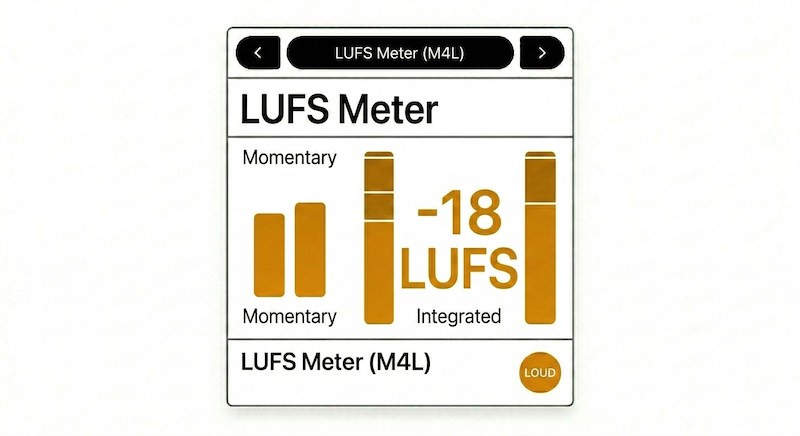
LUFS Meter

Loudness monitor · LUFS-style approx. · −18 LUFS ref

Momentary and running loudness monitor referenced to −18 LUFS. Designed for researchers and sound designers who need inline loudness monitoring without leaving the device chain.

Problem it solves

Ableton has no native LUFS display. Third-party meters live outside the device chain. LUFS Meter gives you momentary and running loudness readouts directly inline, with a one-glance OK/WARN flag referenced to −18 LUFS ±1 LU.

Preflight QA ±1–3 LU vs. certified No K-weighting · no gating · LUFS-style approximation
What this is not A certified BS.1770 / EBU R128 meter. No K-weighting filter and no gating are implemented in v1.0. RESET clears the displayed running value only — the underlying accumulator is not reinitialised. For broadcast compliance, use a certified meter.
  • Momentary: 400 ms window · Running: ~10 s window
  • Target: −18 LUFS · tolerance ±1 LU · configurable
  • L/R live.meter~ bar display
  • 100 ms refresh · passthrough · Push 3 ready
Export Utility v2
07ExportM4L

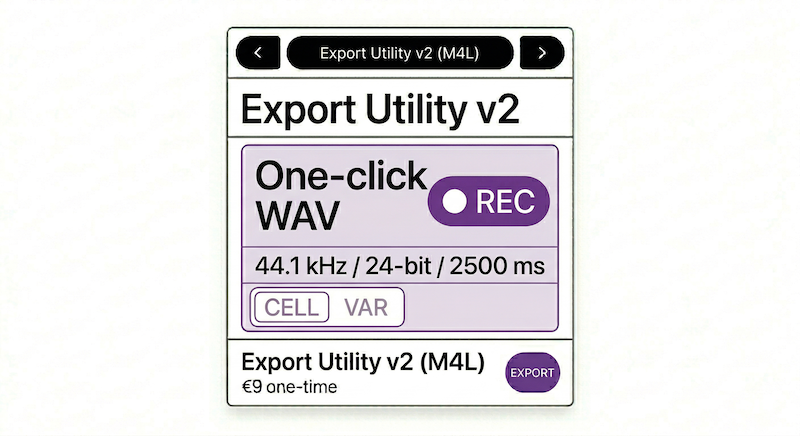
Export Utility v2

WAV · 44.1 kHz · 24-bit · 2500 ms · auto-name

Fixed-duration WAV capture with automatic file naming. Designed for researchers and sample library creators who need to produce many precisely-named files without manual file management.

Problem it solves

Ableton's Export dialog is a multi-step process interrupted by system dialogs. For batch workflows — 10 cells × 10 variants = 100 files — manual export introduces naming errors and inconsistent onset alignment. Export Utility v2 captures a fixed 2500 ms window and names the file automatically.

Preflight QA ±1 ms duration Manual onset model · no overwrite protection in v1.0
What this is not A render engine. Export Utility v2 captures a live signal for a fixed duration with no post-processing, dithering, or normalisation. Recording begins at REC press — ensure the instrument is producing signal before pressing REC for onset-safe capture.
  • CELL 01–10 × VAR 01–10 · auto-name CELL##_VAR##.wav
  • Auto-record 2500 ms → auto-stop · STOP to abort
  • Output: 44100 Hz · 24-bit · stereo · sfrecord~
  • REC while recording: ignored · Push 3 ready

Typical workflow

1 · Compose
Sound source Peak Guard + LUFS Meter Monitor real-time ✓
2 · Validate
Silence Checker + Duration Checker Check onset + length Within tolerance ✓
3 · Export
Export Utility v2 CELL ## VAR ## → REC CELL01_VAR03.wav ✓
4 · Inspect
Spectrum Analyzer AUX return · FFT · freeze Spectrum verified ✓
5 · Compare
A/B Comparator Select A + B → Play A→B Variant confirmed ✓
"Every sound we deliver comes with a data passport: an acoustic fingerprint linked to a perceptual prediction."
Bohdan Fedor
Founder & CEO — bohdan@doremifo.com